Set up Copilot › Memory
Memory
Copilot can remember single facts about you. It only uses them when they fit your question.
What do you want Copilot to do?
Always answer my wayStyle, tone and format, in every chat
Custom instructions
Remember something about meA single fact, used when it fits your question
Memory
Take my earlier chats into accountOne toggle, used when it makes your answer more personal
Chat history
Set it up in four steps
- 1
Click your name in the bottom left and choose Settings.
- 2
Go to Personalization and turn on Saved memories.
- 3
Type in a chat: "Remember that ..." with what Copilot needs to know. Copilot confirms it has saved it.
- 4
Test it. Open a new chat and paste this question. Is your memory there?
Tell me what you know about me, how you use it, and whether or not I can change it. Put it in a table.
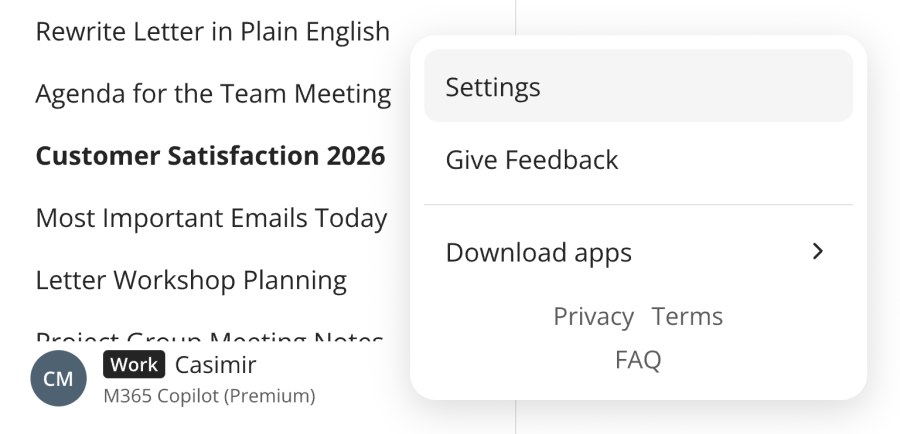
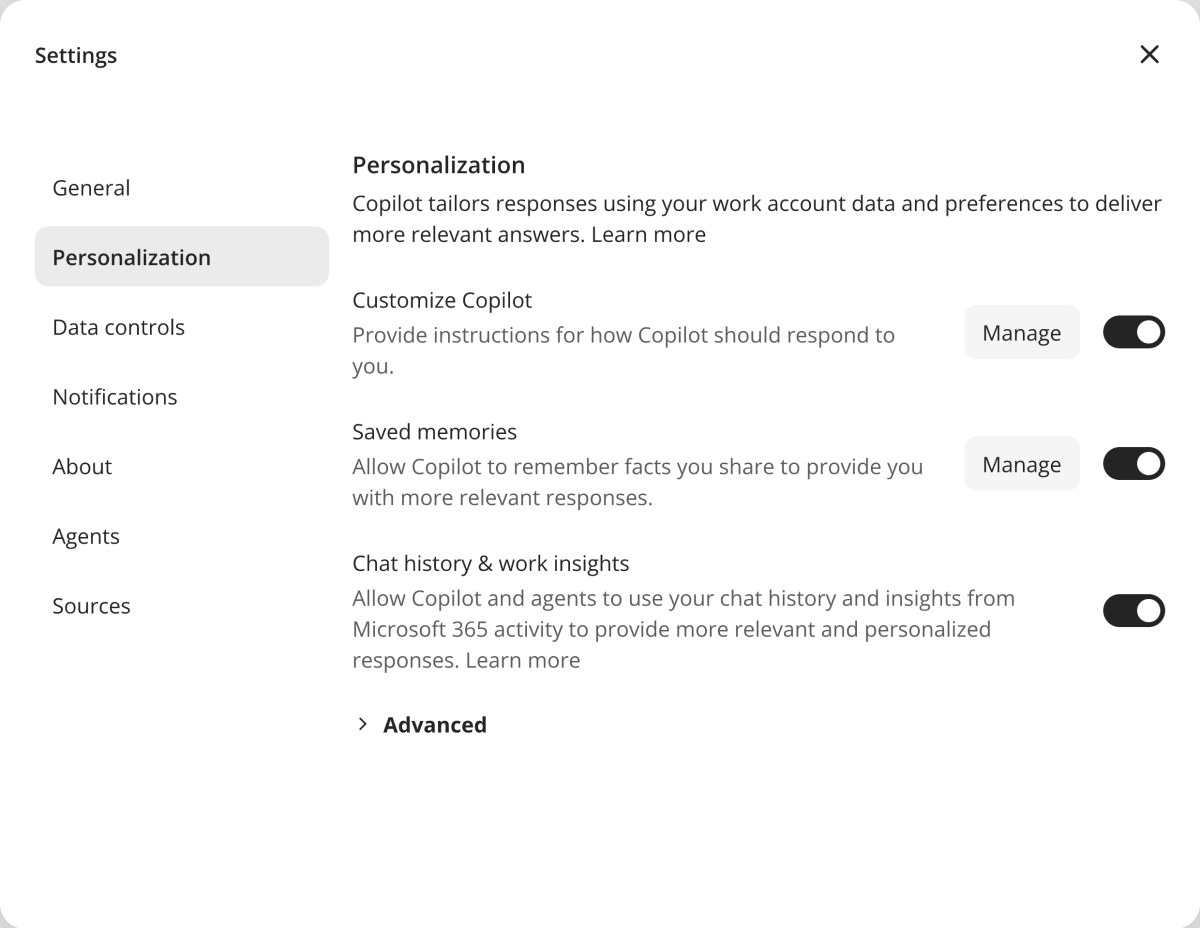
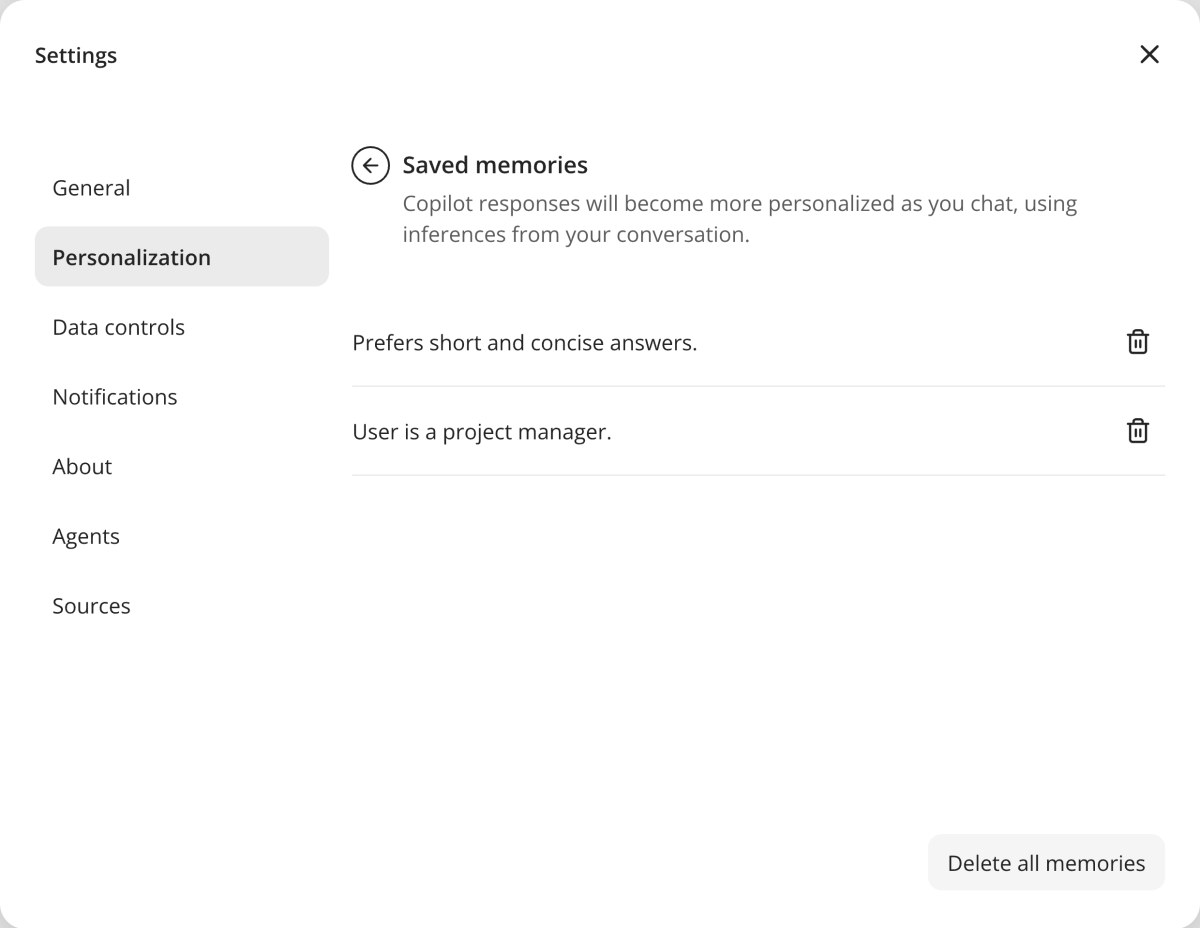
You can always delete them: Personalization › Saved memories › Manage. The bin icon deletes one memory, Delete all memories deletes everything.
Start with this template
Remember that I'm a [role] and work mostly on [topic or project].
How others do it
A role, a project you'll work on for months, a word your organisation uses differently.
HR adviser healthcare organisation
Remember that I'm rewriting our organisation's sickness absence policy this year.
Project manager IT services company
Remember that I lead the New Customer Portal project and that it goes live in March.
Engineer bridges and viaducts
Remember that when we say "structure", we mean a bridge, viaduct or tunnel.
Keep in mind
Memories are single facts. For real work, give context in your prompt or in a document.
Don't have it remember: personal data, confidential information, or things that will be out of date next week.